 KakakiSoft Games
My School
Run a school of your own. Build classrooms, plan lessons and help pupils learn in a free 3D browser game for computers and phones.
Recommended age: 6+Version: 0.9.14
Play for free ▸Trailer
Game videos on YouTube@KakakiSoftGames
About the game
My School is a free 3D browser game where you become the head of a primary school. The council hands you a small, old building, and your job is to turn it into a place children are happy to come to. You build classrooms, hire teachers, put together the timetable and keep an eye on the budget for a whole school year, from September to the summer holidays.
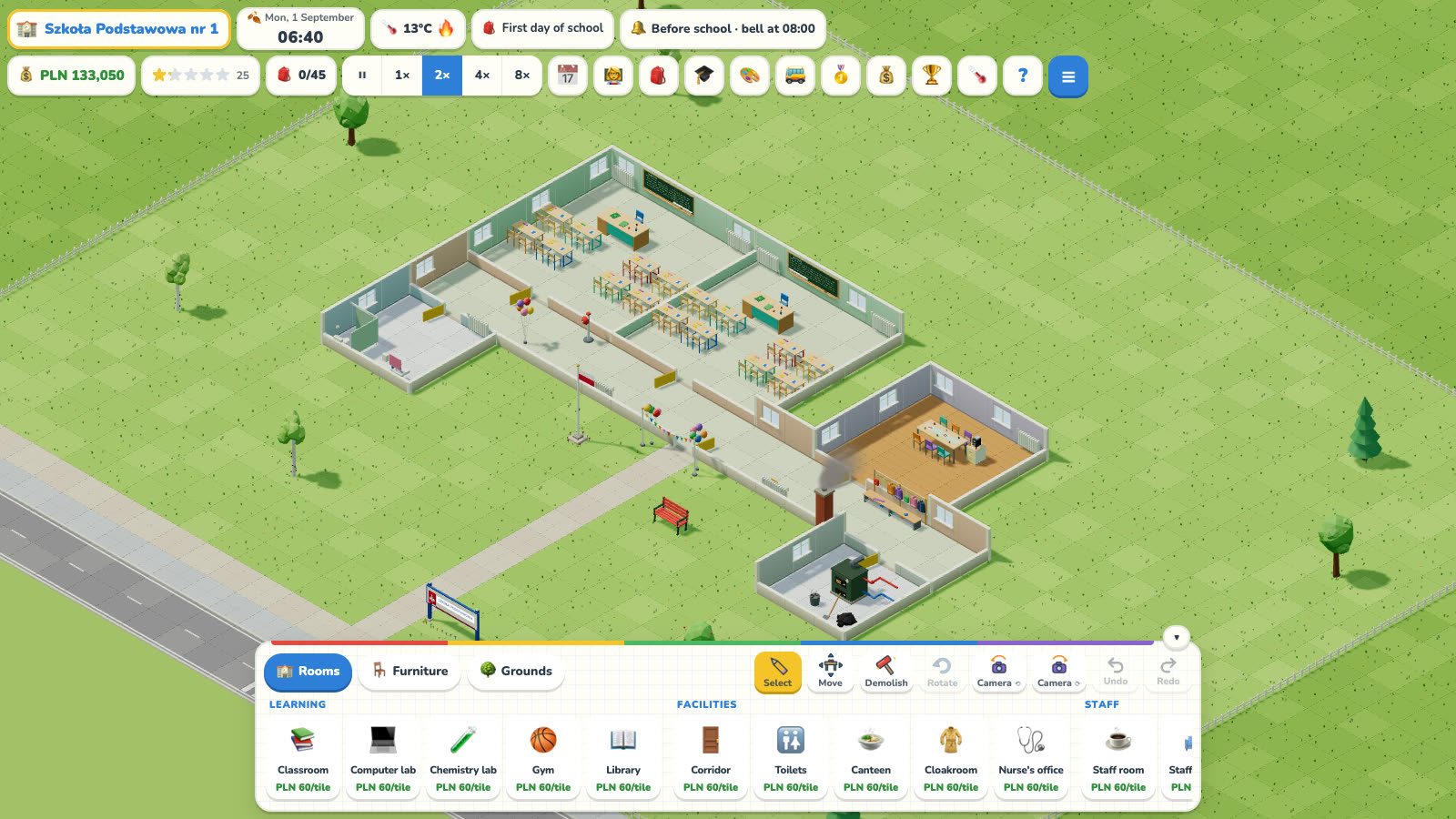
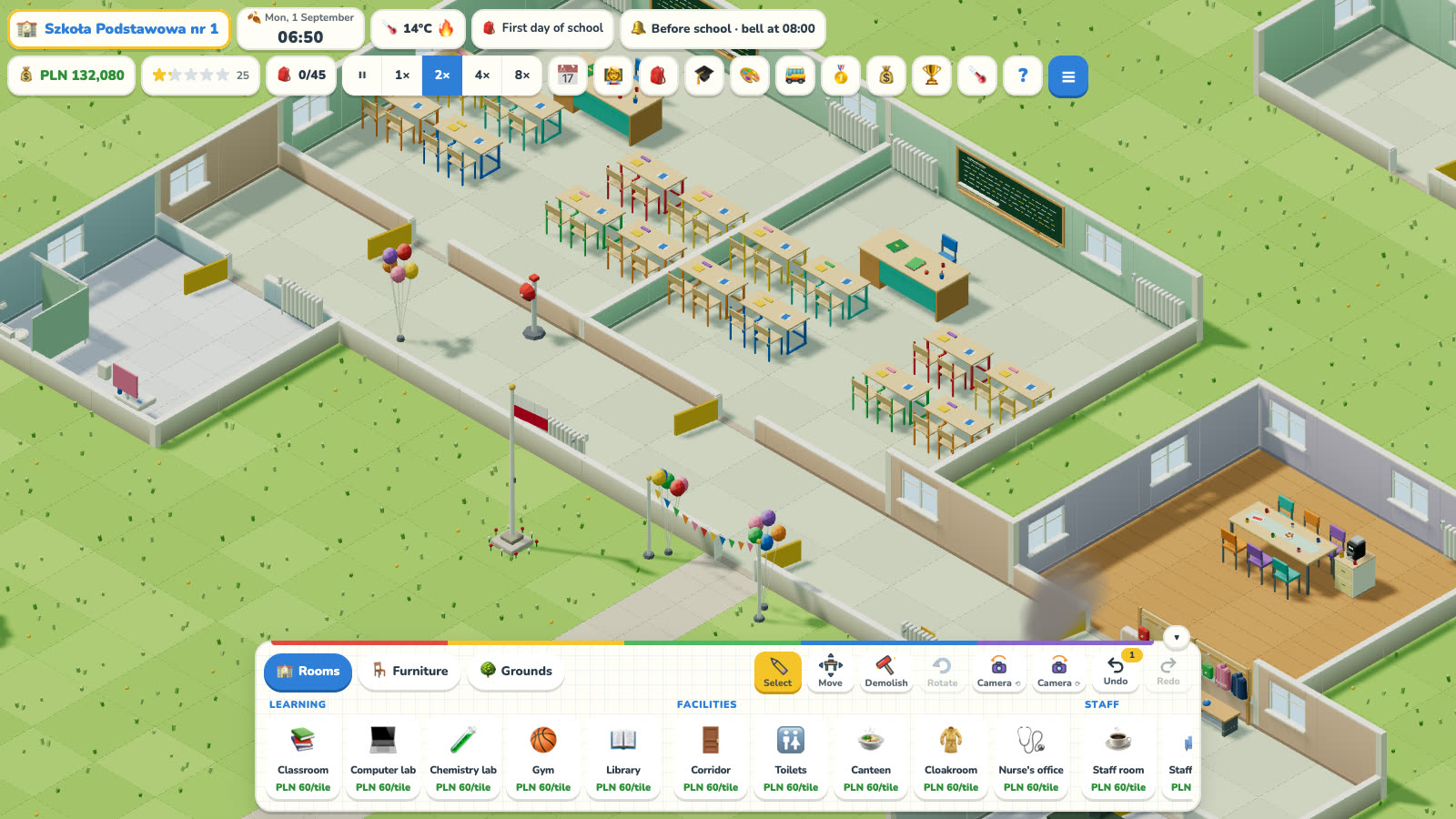
You start with two classrooms, three classes and three teachers. There are more classes than rooms, so your first task is obvious: build another classroom. Drag out a rectangle next to the corridor, let the walls and door appear on their own, then add a blackboard, a teacher's desk and some pupil desks. Check the timetable, hire the teachers you are missing and let time run. The first bell rings at 8:00 and the school comes to life.
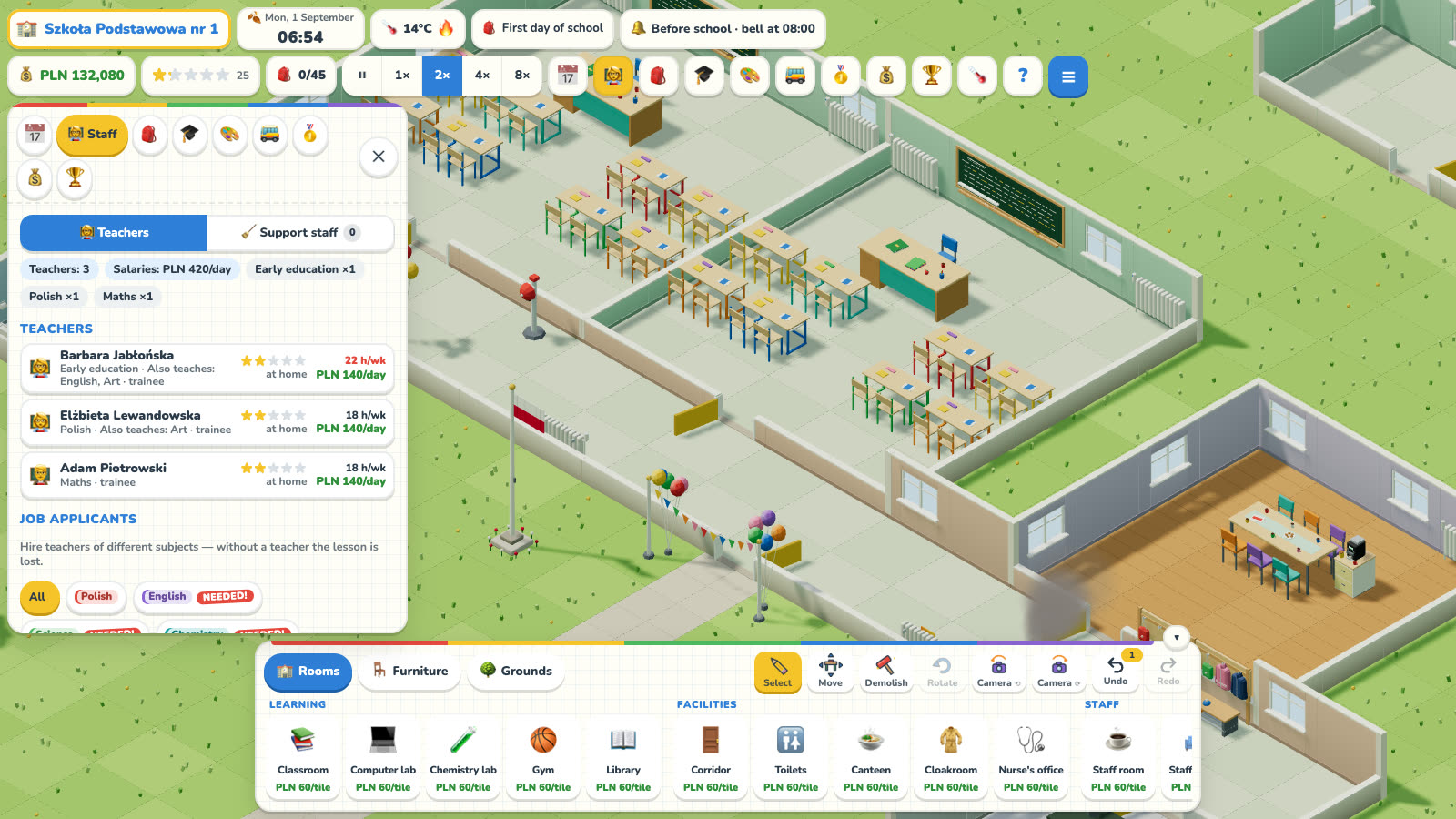
The timetable fills itself in, and a list underneath points out problems: a missing teacher, no free room or someone with too many hours. Each teacher covers their own subjects, has a skill level and needs a break in the staff room, and over time they can be promoted. Pupils have grades, needs and moods. They eat lunch in the canteen, play at break and raise their hands in class. A caretaker, cleaner, cook and school nurse help keep everything running.
As management games go, the money side is easy to follow. Every week the council pays you for each pupil, and you cover salaries, bills and new equipment. In winter the building needs heating, so it pays to replace the old coal boiler with a gas one or a heat pump. You can add specialist rooms for computing, chemistry, science, languages and design and technology, plus a sports hall and a playing field.
The school year is full of things to do. Classes go on trips, pupils enter contests and olympiads, join after-school clubs and grow vegetables in the school garden for the canteen. There are parents' evenings, student council elections, a nativity play and Children's Day. An inspector visits once a year, and in May the eighth graders sit a final exam whose results go into the district school ranking. When it snows, children build snowmen at break.
The campaign has eleven scenarios, such as repairing the school after a flood, getting through a harsh winter or merging two schools. Free play offers Easy, Normal or Hard difficulty with your own adjustments, and the Daily Challenge gives you a new ready-made school every day. Photo mode and time-lapse recordings let you keep a record of how your school grew.
This school simulator is a friendly game for children aged 6 and up and for the whole family. The tone is calm and kind, and the game shows you what to fix. It is free to play in the browser on a computer, tablet or phone, with nothing to install and no account needed. On a phone you build by tapping two corners of a room, and your progress saves automatically.
Screenshots
What’s in the game
- Build classrooms, specialist rooms, a canteen and a sports hall
- A timetable with planning assistance and conflict detection
- Teachers with experience, promotions and a need for rest
- Pupils with their own needs, grades and moods
- Final primary-school exams, school reports and district rankings
- Trips, contests, celebrations and a changing school year
- An eleven-scenario campaign, free play and the Daily Challenge
Game guide: My School ↗Getting started, mechanics, tips and FAQ — a detailed guide on kakaki.pl.
FAQ
Is the game free?
Yes. You play for free in your browser. Optionally you can watch an ad to get an in-game bonus — always your choice.
Can I play on my phone?
Yes. The game runs on computers, tablets and phones, with touch controls and an interface made for small screens.
Do I need to sign up?
No. Your progress is saved in the browser in several save slots, with no account.
Can I play on several devices?
Yes. Turn on “Save sync” in the menu, link another device with a short code and continue where you left off — no e-mail or password.
Does it work offline?
After the first launch, yes. You can also add the game to your phone’s home screen and open it like an app.
Who is it for?
Recommended age 6+. The game is child-friendly and any ads are non-personalised.
What’s new
v0.9.14 — Smoother on phones26 October 2026
- A big school now uses much less memory, so the game no longer closes on phones after a few days of play.
- Graphics are lighter on phones, and when the game starts to stutter it turns off shadows and lowers the resolution a little by itself.
v0.9.13 — What's new23 October 2026
- There is a new “What's new” button in the menu: see what each new version of the game brings.
- A “New!” badge tells you when something has changed since your last visit.
v0.9.12 — A bigger map and faster terrain18 October 2026
- A new free-play game has a bigger map, so there is more room to grow your school. The campaign, the daily challenge and old saves keep their usual size.
- Grass, pavements and shadows on a big map are drawn faster, so the game runs more smoothly on weaker phones too.
- When you zoom all the way out, the sky shows under the game bar.